
Which Embroidery File Format Does My Machine Use?
Someone emails you a file. Your machine won’t open it. Is it the wrong format, a corrupted file, or something that was never a stitch file in the first place? Ten minutes of confusion, usually right when a job is due.
Here is the short version: every embroidery machine reads only one or two file formats and ignores everything else. Knowing which embroidery file format your machine uses, and what conversion actually does, solves nearly all of it.
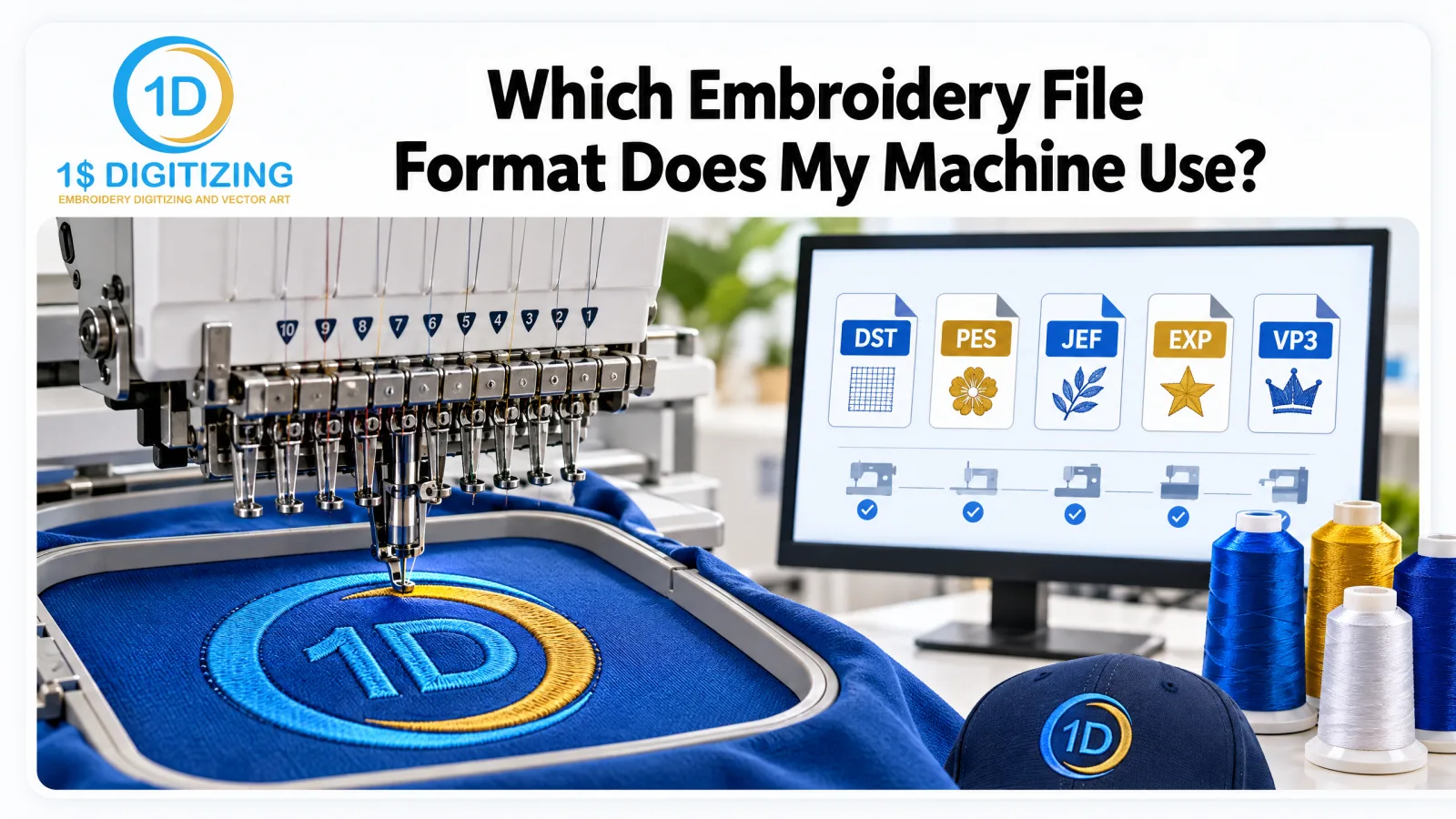
The quick answer: Brother and Babylock machines use PES. Janome uses JEF. Most commercial and multi-needle machines (Tajima, Barudan, Ricoma and similar) run on DST. Melco uses EXP, Pfaff uses VP3, Husqvarna Viking uses HUS or VP3, and older Singer machines use XXX. If your brand isn’t on this list, the table below and your machine manual will tell you.
Two Kinds of Embroidery File
This is the distinction that causes most of the trouble.
Stitch files are the machine's instruction list: needle positions, colour stops, trims. DST, PES, JEF, EXP and the rest are stitch files. They tell the machine exactly where to put every stitch, and nothing else.
Outline or design files are the working document from digitizing software - objects, shapes, properties you can edit. EMB (Wilcom), ART (Bernina) and similar formats are outline files. They can be re-scaled and re-worked properly, but only in the software that made them.
And then there is artwork - JPG, PNG, PDF, AI. That is a picture. It contains no stitches at all. No amount of converting turns it into embroidery; it has to be digitized.
What Your Machine Wants, by Brand
- Tajima - DST. The closest thing the industry has to a universal format; nearly every commercial machine will take it.
- Brother and Babylock - PES (older machines: PEC).
- Janome and Elna - JEF (older machines: SEW).
- Melco and Amaya - EXP, and DST works too.
- Pfaff and Husqvarna Viking - VP3 (older: VIP, HUS).
- Singer - XXX.
- Bernina - ART for editing, EXP or DST to sew.
- Barudan - DSB, and DST.
- Happy - TAP, and DST.
- Ricoma - DST, plus several others.
If you only remember one thing: DST runs almost everywhere. Its limitation is that it carries no thread colour information - just stops. That is why a DST often opens with the wrong colours on screen, which brings us to the next point.
Why Your Colours Look Wrong
A DST file has no colour data. Your software assigns a default palette, so the file opens looking like a completely different design. Nothing is broken. You assign your own thread colours at the machine, in the order the stops occur.
Formats like PES and JEF do store colour, which is why the same design can look correct in one format and rainbow-coloured in another. Always work from the colour sequence sheet, not the screen preview.
What Conversion Can and Can't Do
Converting between two stitch formats - DST to PES, JEF to DST - is straightforward, because the stitches already exist and you are only rewriting how they're stored. Our free embroidery file converter does exactly that, with no signup.
What conversion cannot do:
- Improve a badly digitized file. Bad density stays bad density in any format.
- Turn artwork into stitches. A PNG has no stitch data to convert.
- Recover editability. Converting a DST back to an outline format gives you stitches grouped into blocks, not the original objects. It is a starting point for a rework, not a restoration.
Resizing: The 20% Rule
A stitch file has fixed stitch positions. When you scale it in your machine's software, the stitches move apart or bunch together, but the number of stitches usually stays the same. Small changes are survivable: roughly +/-20% is the usual safe range, and less than that on dense designs.
Beyond that, density goes wrong in both directions - enlarge too far and the fabric grins through the gaps, shrink too far and you are punching the same thread into the same hole until something breaks. At that point the design needs re-digitizing at the new size, which is also the moment to fix anything you never liked about it.
Converting a File, Step by Step
Using our converter, or any other tool, the process is the same:
- Start from the best source you have. Converting a file that has already been converted twice compounds any rounding in the stitch positions.
- Convert to the format your machine reads, and keep the original.
- Open the result and check the stitch count matches the source. A wildly different number means something went wrong.
- Check the colour stops. Converting to DST drops colour information; converting from DST assigns arbitrary colours.
- Test sew before the job, not during it.
When a Customer Sends an EMB or ART File
These are working files from Wilcom and Bernina software. If you do not own that software you cannot open them, and converting them is not the same as having them - you will get the stitches, not the editable objects.
Ask for two things instead: the stitch file for your machine, and, if they have it, a PDF or image of the design with the colour sequence. If they only have the working file and the design needs changing, re-digitizing from the artwork is usually faster and cleaner than trying to reverse-engineer it.
Practical Habits That Save Jobs
- Ask for the format your machine reads plus a DST. The DST is your fallback on any machine in the shop.
- Keep the colour sequence sheet with the file. Six months later nobody remembers the order.
- Name files with the size in them: acme-logo-3.5in-left-chest.dst. Future you will be grateful.
- Keep the original artwork. If a design ever needs a different size, digitizing from the artwork beats scaling stitches.
- Test sew anything you've converted or resized before it goes near a customer's garments.
Frequently Asked Questions
What embroidery file format does a Brother machine use?
Brother and Babylock machines read PES. Some older models also use PEC or PHC.
What embroidery file format does a Janome machine use?
Janome machines use JEF. Some models also read JEF+ or SEW.
What is the most common embroidery file format?
DST is the most widely used, especially on commercial and multi-needle machines. PES is the most common for home machines.
Can I convert one embroidery file format to another?
Yes, if you have a stitch file. Use a free embroidery file converter to change the format. You can’t convert a JPG or PNG this way, because those need digitizing first.
Why does my machine not recognize my embroidery file?
Usually it’s the wrong format for that machine, or the file isn’t a stitch file at all (for example, a JPG). Less often, the file is corrupted or too large for the hoop.
Does converting an embroidery file change how it sews?
The stitches stay the same, but colors and some extra data can be lost. Always test sew after converting.
When You Need Digitizing, Not Conversion
If what you have is a logo - a JPG, a PNG, a PDF, a business card, a screenshot - there is nothing to convert. The design has to be built as a stitch file by someone who decides the density, underlay, pull compensation and sequencing for the fabric you're running.
That is $1 per 1,000 stitches with a $6 minimum, delivered in whatever format your machine takes - DST, PES, EXP, VP3, JEF, XXX and the rest - with a 24-hour standard turnaround. Tell us the machine and the finished size and the right file comes back ready to run. For a fuller breakdown of each format, see our embroidery file formats guide.
Working on this yourself? See embroidery file formats and custom embroidery digitizing.
Ready to digitize your design?
Professional embroidery digitizing from $1 — 24-hour turnaround, all machine formats, free revisions.