
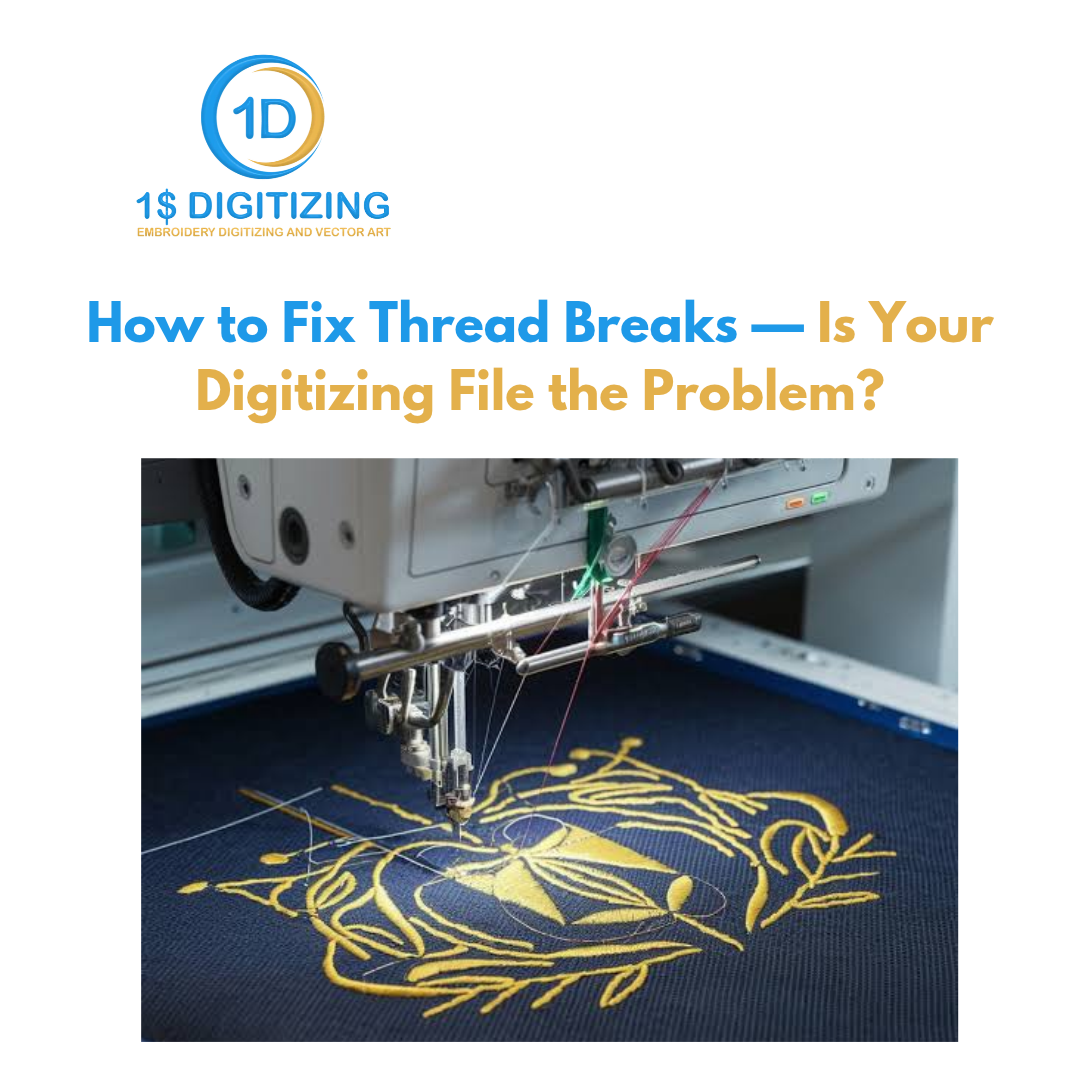
How to Fix Thread Breaks — Is Your Digitizing File the Problem?
Thread breaks are one of those problems that can eat an entire production day if you let them. You swap the needle, re-thread the machine, adjust tension, try again — and it breaks in the same spot, every time. What most operators don't think to check is the one thing they can't see: the digitizing file itself.
A bad digitizing file can cause thread breaks that no amount of machine tuning will fix. Here's how to figure out whether you're dealing with a machine problem or a file problem — and exactly what to do about it.
Why Digitizing Gets Missed as a Cause
When a thread breaks, your eyes go to the machine. That makes sense — the machine is right in front of you. You can see the tension dial. You can feel whether the thread path has friction. You can swap the needle in 30 seconds.
What you can't see is whether the stitch density in your DST file is 0.30mm when the fabric needs 0.45mm, or whether the digitizer skipped underlay on a dense fill section, or whether the stitch angle is running parallel to the fabric grain and fighting it with every penetration.
These are digitizing problems. They live in the file. And they cause thread breaks that look exactly like machine problems — which is why they stay misdiagnosed for so long.
Rule Out the Machine First
Before you blame the file, go through the short version of this checklist. Some of these are fast to check and genuinely do cause most thread breaks on their own.
Needle Condition
Replace it. Seriously. A needle that looks fine to the naked eye can have a slightly burred tip or a damaged eye that shreds thread on every penetration. Needles are cheap. Replace before every significant run and after every 8–10 hours of continuous sewing. If you haven't changed yours recently, do it now before debugging anything else.
Thread Path
Run your finger along the thread path from spool to needle. Feel for any burr, rough spot, or sharp edge. One scratch anywhere in that path — a guide, the tension disc, the take-up lever — creates consistent friction that snaps thread even when everything else is set correctly.
Tension
Upper tension too tight puts stress on the thread as it forms each stitch. Too loose, and the bobbin thread yanks the upper thread down and snaps it at the fabric surface. Both feel different when you're watching the stitch form. Adjust and test.
Thread Quality
Budget thread with inconsistent twist or thin sections breaks constantly. Metallics are worse — they need lower tension, slower speed, and a needle with a larger eye. If you switched thread brands recently, that's worth checking.
The Diagnostic Test
This is the one that tells you definitively which direction to look. Find a design you know runs cleanly on your machine and sew it. If it runs fine but your problem design breaks in the same spot every time — the problem is the file. If both designs break, the problem is the machine setup.
Digitizing Causes of Thread Breaks
Your test design ran clean. Your problem design breaks consistently in one area. Here's what's actually happening inside the file.
Stitch Density Too High
Density controls how tightly stitches are packed in a fill or satin area. When it's too high, the needle is punching through fabric that's already packed with thread. The resistance increases sharply, the upper thread can't form a proper lock stitch, and it snaps.
General density guidelines by fabric type:
- Standard woven fabrics: 0.40mm–0.45mm for fill stitches
- Stretchy knits and performance wear: 0.45mm–0.55mm (looser, to account for fabric movement)
- Caps and structured materials: 0.40mm is usually the minimum safe floor
If a digitizer set your fill density at 0.30mm or below on a large area, thread breaks in that section are nearly guaranteed on most fabrics. This is one of the most common mistakes from auto-digitizing software and low-cost overseas services.
Missing or Thin Underlay
Underlay is the layer of stitches that goes down before the visible top stitches. Its job is to stabilize the fabric and give the top stitches something to grip. Without it, top stitches sink into the fabric pile, the fabric shifts while the machine is running, and thread tension goes inconsistent — which causes breaks.
For fill stitches: a tatami or zigzag underlay is the standard. Skipping it on stretchy or textured fabrics almost always causes either thread breaks or puckering — sometimes both.
For satin stitches: a center run or edge run underlay is the minimum. On satin columns wider than about 6mm, a zigzag underlay underneath adds the support needed to keep things stable.
Auto-digitizing tools skip underlay constantly. If your file came from software rather than a human digitizer, missing underlay is the first thing to suspect.
Wrong Stitch Angle for the Fabric Grain
Every woven fabric has a grain direction — the direction the warp threads run. When fill stitches run parallel to that grain, the needle is pushing the warp threads aside with each penetration instead of passing cleanly between them. More resistance. More thread stress. More breaks.
The default in professional digitizing is 45 degrees to the fabric grain, which lets the needle pass between both warp and weft threads cleanly. If you're getting breaks in large fill sections and density and underlay both look right, stitch angle is worth checking.
Long Jumps Without Trim Commands
A jump stitch moves the machine from one area to another without sewing. When the digitizer leaves a long jump without a trim command, the machine drags thread across the design surface. When the next stitch sequence starts, that dangling thread adds extra tension to the upper thread path — and breaks happen at the start of the new element.
Properly digitized files keep jumps short and include trim commands wherever the travel distance is more than 5–6mm. If your breaks are happening consistently at the start of a color change or new element, this is likely why.
Satin Stitch Length Out of Range
Satin stitches that are too long — anything above about 12mm — create a floating thread with no middle support. It can catch on the presser foot during the next penetration and snap. On caps and structured garments, this is especially common because the curved surface makes long stitches worse.
Satin stitches that are too short — below about 1.5mm — don't have enough thread to lock properly, which causes inconsistent tension and occasional breaks.
How to Pinpoint the Exact Spot
Digitizing-related thread breaks almost always happen in the same place every time you run the design. That consistency is the diagnostic. Track it down and you've effectively identified the problem element in the file.
Note exactly which color sequence it's in, which element (fill, satin column, lettering), and roughly where on the design it sits. Then match that to the pattern above:
- Break at the start of a new element after a long travel: jump/trim management problem
- Break consistently in the middle of a large fill: density or missing underlay
- Break on wide satin columns: stitch length or pull compensation
- Break in fills on stretchy fabric: density is too tight or underlay is missing
This is exactly what to tell your digitizer. "Thread breaks at the third color change in the lower right fill" gives them something specific to fix. "It keeps breaking" gives them nothing.
What to Do About It
Request a Revision
Any reputable digitizing service includes free revisions. Tell them: which element is breaking, what fabric you're sewing on, and what machine you're running. A good digitizer can go directly to that element and adjust density, add underlay, or fix the jump trim — without rebuilding the whole file.
Send a Sew-Out Photo
If you can photograph the failed sew-out — especially if you can see where the thread pulled or where the needle punched through too-dense material — send it. A digitizer can diagnose from a photo faster than from a description.
Ask for a Test Revision Before the Full Run
If you're heading into a production run, ask for a revised test file first. Don't commit to 500 pieces on a file you haven't tested after the fix.
Rethink Your Digitizing Source
If the same problems show up on multiple different designs from the same source — bad density, missing underlay, long jumps without trims — it's systemic. That's what you get from auto-digitizing tools and very cheap services that batch-process files without a human reviewing them. The files look fine in the simulation. They break on the machine. Moving to a service that hand-digitizes every file fixes this permanently.
Thread Break Prevention Checklist
Use this before you send any new file to the machine:
- Density is fabric-appropriate — 0.40mm or higher for standard wovens
- Underlay is present on all fill and satin sections
- Fill stitch angles are set at 45 degrees unless the design requires otherwise
- Jumps over 5–6mm include trim commands
- Satin stitch lengths fall between 1.5mm and 12mm
- Pull compensation is set for the garment type
- Stitch sequence minimizes long travel moves across the design
The Short Version
Thread breaks are almost never random. They happen in the same spot, for a specific reason, every time. The machine is usually the first thing you check — and it should be. But when your machine runs clean on other designs and breaks on one specific file in one specific area, you're not dealing with a machine problem. You're dealing with a bad file.
Fix the file. Not the tension.
If you're getting consistent thread breaks and you want a second set of eyes on the digitizing, send us the file and a note about where it's breaking. We'll take a look.
Working on this yourself? See custom embroidery digitizing and our digitizing pricing.
Ready to digitize your design?
Professional embroidery digitizing from $1 — 24-hour turnaround, all machine formats, free revisions.